Failover for the outages DNS can't reach.
DNS failover handles a dead server. It has nothing to point at when the domain itself is gone — an expired registration, a lost registrar account, a migration that emptied the zone. LastRedirect puts the escape route in the visitor's browser, where it survives all of that.
Installs on
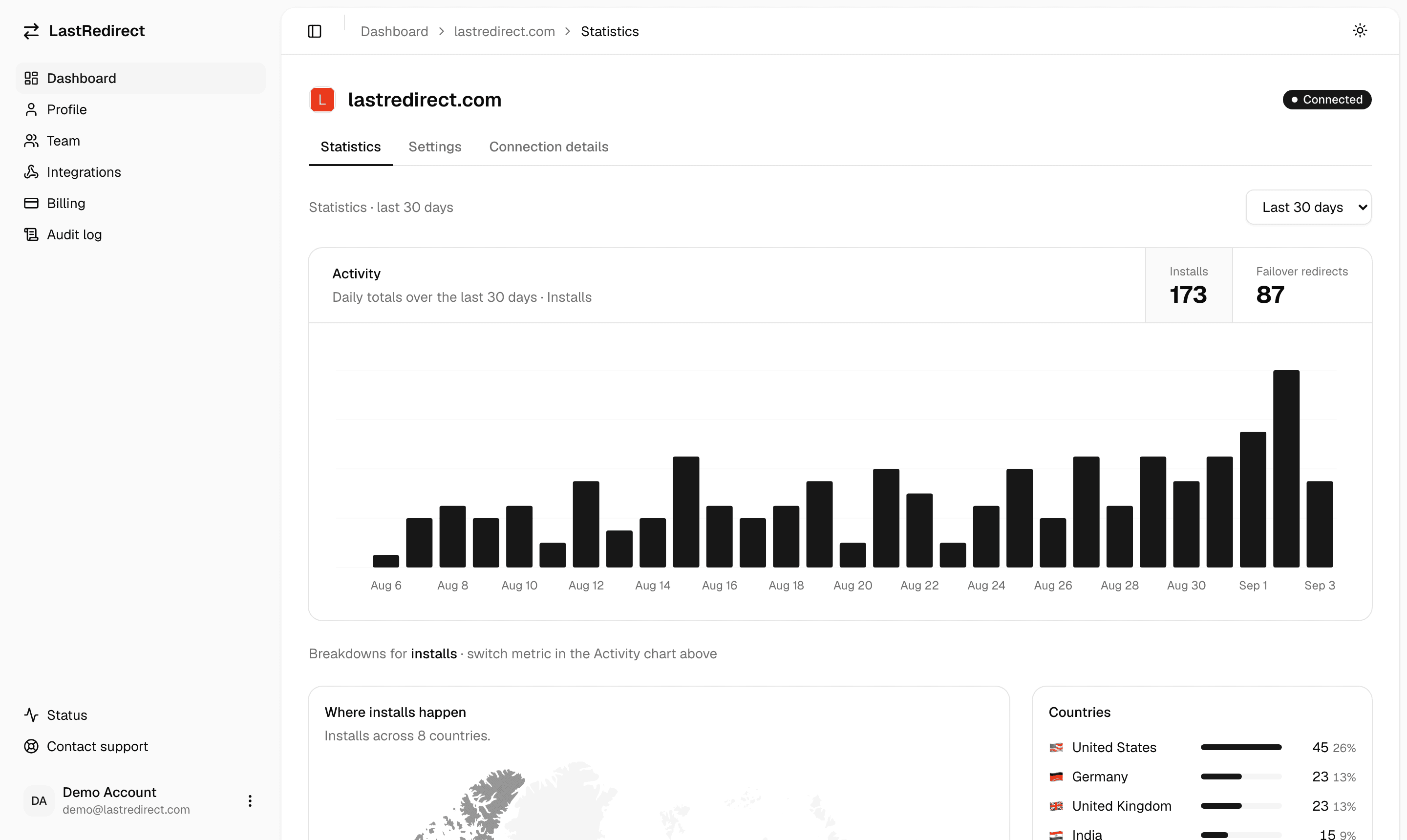
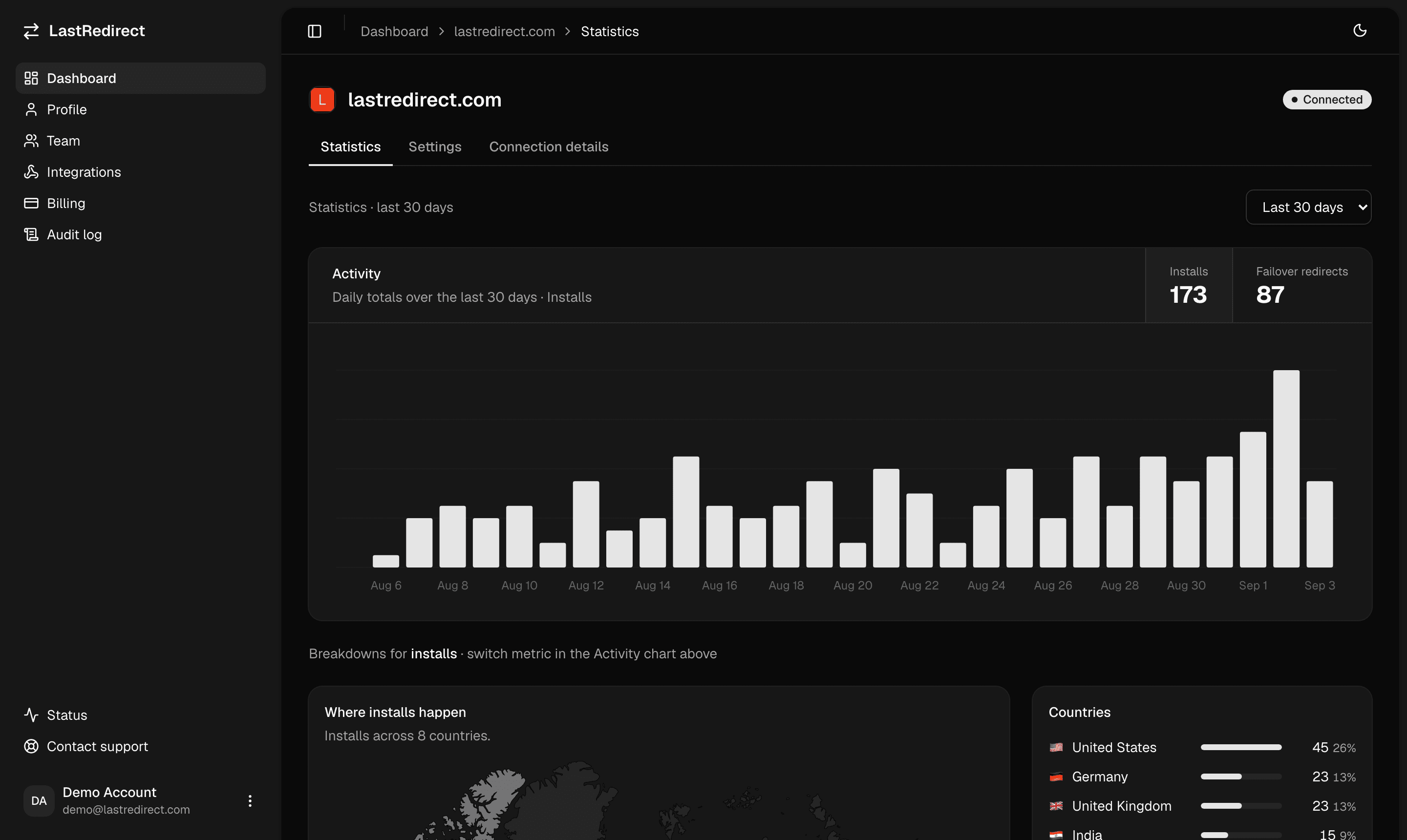
The problem
Every failover you own runs on the domain. So none of them survive losing it.
Health checks, anycast, a standby origin, a second region — all of it resolves through a name you have to still control. An expired renewal, a suspended account, a registrar dispute, a migration that repointed the zone at nothing: the record is gone, and there is nothing left to fail over to.
One script installs a service worker on your origin. It rides along in the browsers of people who already visited you, and when your origin stops answering it sends them to a backup URL you configured — no lookup, no record, no infrastructure required.
How it works
Five steps, entirely in the browser.
No DNS record, no proxy, no control plane in the request path. The redirect decision is made by a service worker already sitting in the visitor's browser, which is the one place that keeps working after your domain stops resolving.
What you get
Built for developers who already did the infrastructure work.
Our pricing
Plans and pricing
Two plans sized to how many sites you protect. Pick one, install once, and only revisit it if your portfolio grows.
- 30-day full refund
- No hidden fees
- Cancel anytime
Payments secured by Stripe.
Up to 5 websites · low traffic
- Protect up to 5 websites
- Sized for typical small-business traffic
- Backup URL you control, per site
- Email, Slack & Teams failover alerts
- Team activity audit log
- Email support
Up to 15 websites · no rate limit
- Protect up to 15 websites
- No redirect rate limit
- Backup URL you control, per site
- Email, Slack & Teams failover alerts
- Team activity audit log
- Priority email support
Security & privacy
You're handing a script control over navigation. Here's exactly what it can do.
You download one file and serve it from your own domain root. There is no LastRedirect script tag on your pages and no runtime fetch from a CDN we operate — so there is no third-party script host that could be compromised into shipping you new code.
The filename is content-addressed and the snippet ships a sha384 Subresource Integrity attribute, so the browser verifies the script tag's bytes before executing and refuses anything that doesn't match — including a modified copy on your own server. Nothing auto-updates: a new version means you deliberately replacing the file and its hash.
Every navigation goes to your origin first and never waits on us. If your origin answers, the worker returns that response without our API being consulted at all; if we're unreachable when it does need us, it passes your origin's own response through untouched. We cannot slow down or break a page load that was going to work.
Traffic goes straight from visitor to your origin, or your origin to your backup. We're never in the request path.
The service worker only intercepts full-page navigations to the origin it was installed on — never sub-resources, never another domain.
LastRedirect sets no cookies on your site and follows nobody between sites. Check-ins and failovers do record the entry path (query strings and fragments stripped) plus a truncated IP, coarse location, network and device — that's what your dashboard charts. It's kept 30 days and then deleted automatically.
Questions
Common questions.
Anything else, email hello@lastredirect.com — a real person answers, usually the same day.
We can help
Get in touch
Questions about your project implementation and integration? Send a note and we’ll get back to you.
- Common questions
- Read the FAQ
- Security & privacy
- You host the script